 Aximo
Aximo en
en Русский
Automatic translation
Translate posts of a source into your language automatically, before delivery.
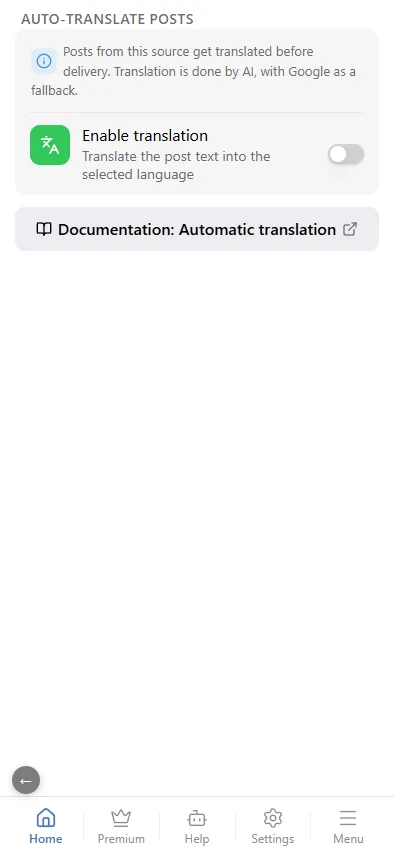
Translation is set per source: open the source card and choose Auto-translate posts.
Turning it on
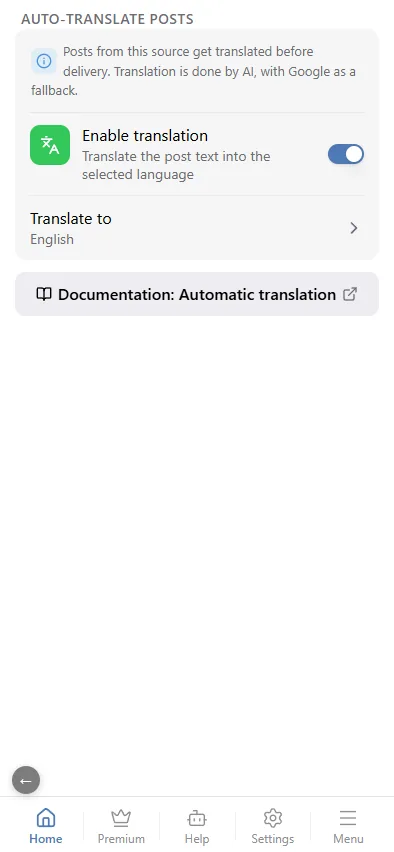
- Switch on Enable translation.
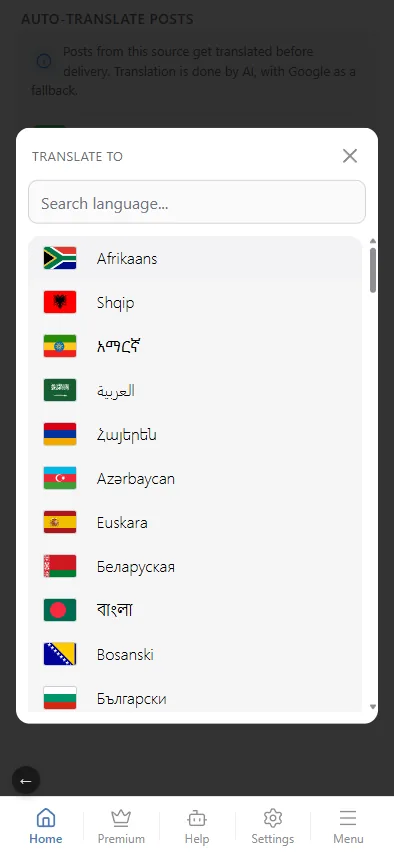
- Pick the target language. The source language is detected automatically.
Every new post of the source is translated before delivery; formatting, links and emoji are preserved. Media captions are translated the same way as text posts.
Translation is available on any paid plan. No OpenRouter key of your own is needed for translation.
Translation runs after replacements and before AI processing — see A post's path.
This setting translates the post's own text. A quoted post inside a reply, retweet or repost (X, VK) has its own, separate switch — see Platform settings: Translating quotes.
Translate and rewrite
To translate and rewrite in one step, use a prompt in AI processing: the library has a ready Translate prompt, and you can write your own ("translate to German, keep the brand names in English, shorten to two sentences").
If auto-translation is on as well, the prompts get the already translated text. If the model answers in a different alphabet, its result is discarded and the translated post goes out unchanged.