 Aximo
Aximo en
en Русский
Similar posts
The similarity filter drops posts that repeat ones already delivered to the chat, and a clone can enrich the published original with media and text.
Similarity filter
Sources often repeat each other: three news accounts post the same story, one account posts the same picture twice. The similarity filter compares every new post with the ones delivered to the chat over the last hours and drops look-alikes.
- Similarity threshold, % — how close two posts must be to count as the same, from 1 to 99 percent. The switch turns on at 80 by default.
- Check period, hours — how many hours back to compare, from 1 to 72.
Enable the filter and the two fields appear:
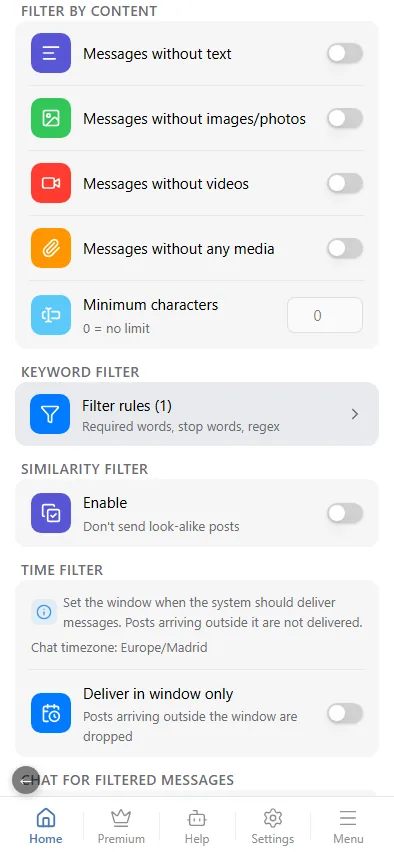
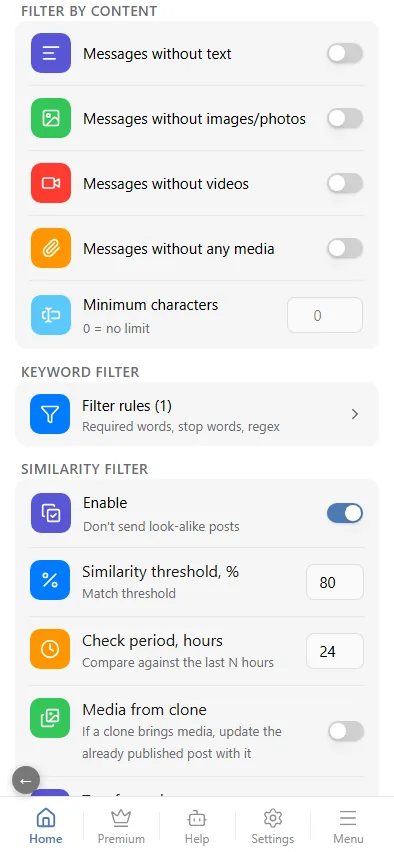
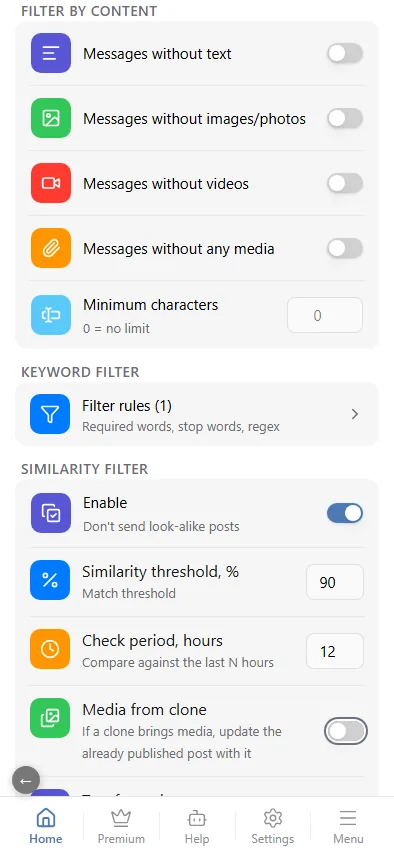
The filter is chat-wide: it looks across all sources of the chat, so it is set only in the chat's Message Filtering — a source does not have it. A dropped clone lands in the events log with its similarity percentage and, if a chat for filtered messages is connected, there too.
Update the original from a clone
The dropped look-alike — the clone — is sometimes richer than the published original: it has photos the original lacked, or a longer text. The clone can then update the original. Under the filter settings there are two switches:
- Media from clone — if a clone brings media, update the already published post with it. Append adds the clone's media to the original's, Replace puts them in its place. The Only if the original has no media switch leaves posts that already have media as they are.
- Text from clone — replace the published post's text if the clone has noticeably more text. The Longer by, % field sets how much longer the clone's text must be than the original's.
The original in the chat is re-published with the merged media and text. Media the original already has is not added a second time — neither the same file nor the same photo or video re-uploaded or re-compressed by another source. Every such update lands in the events log.