 Aximo
Aximo en
en Русский
Message editor
The formatting bar, HTML mode, emoji and premium emoji, buttons under the message — one editor for your own post and for a template.
The same editor works in two places: when you write your own post and when you edit the message template. Everything below applies to both.
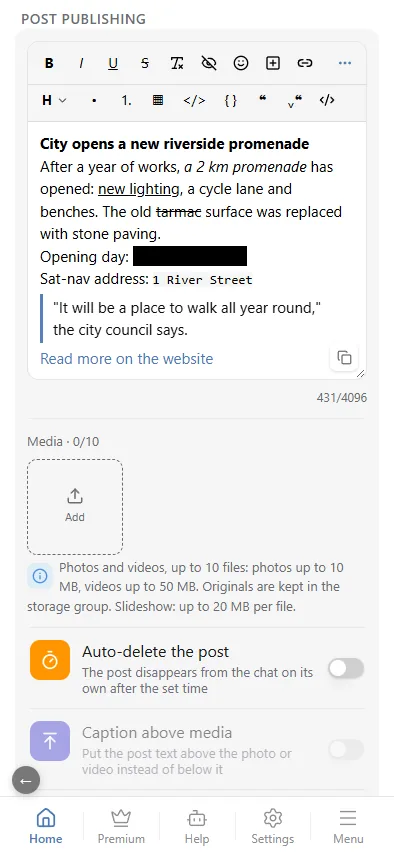
Available tools
Always on the bar
What almost every post needs:
| Button | What it does | Telegram tag |
|---|---|---|
| B | bold | <b> |
| I | italic | <i> |
| U | underline | <u> |
| S | strikethrough | <s> |
| ✖ format | strip all formatting from the selection | — |
| 👁 | hidden text: the reader taps to reveal it | <tg-spoiler> |
| ☺ | emoji, premium ones included | <tg-emoji> |
| ⊞ | a button under the message: a label and a link | — |
| 🔗 | a link on the selected text | <a href> |
Formatting combines: select a phrase and press several buttons in a row to get, say, bold italic. The clear button strips everything at once rather than one tag at a time.
Under the "···" icon
The rarer tools are folded away so the bar does not grow to two lines:
- H — headings, six levels (plus "Normal" to turn a line back into a paragraph);
- • and 1. — bulleted and numbered lists;
- ▦ — a table;
</>— inline monospace,{ }— a code block;- ❝ — a quote, ⌄❝ — an expandable quote (a long one folds under "more");
- HTML — a switch: the field shows the raw markup, you edit it by hand and switch back.
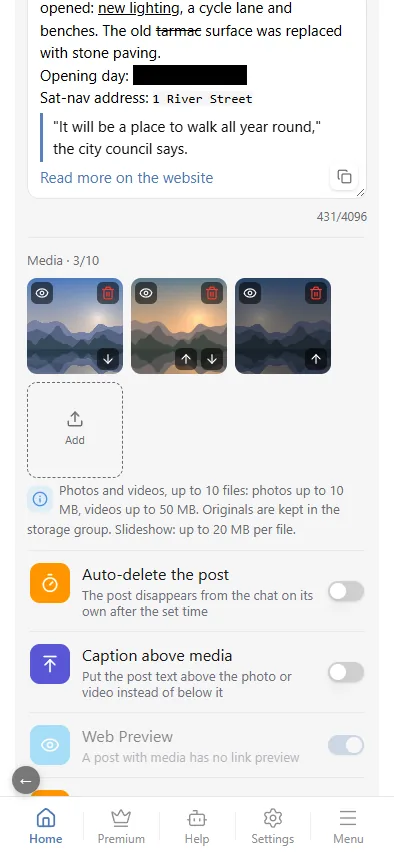
Telegram accepts headings, lists and tables in a text message only. They cannot travel with a photo or a video — the editor says so when you publish.
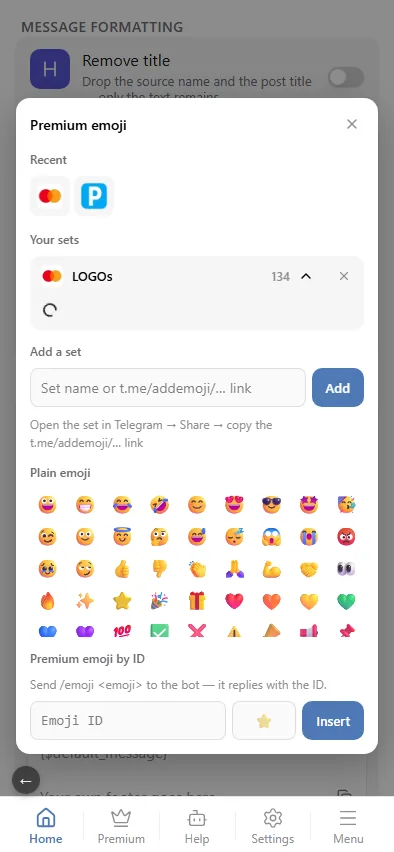
Emoji and premium emoji
Telegram Premium emoji (custom emoji) are animated icons from sticker packs that can be used inside text. The ☺ button on the bar opens one window for every case:
- Recent — what you inserted last time;
- Your sets — premium emoji sets added by name or by a
t.me/addemoji/…link; - Plain emoji — the standard grid;
- Premium emoji by id — paste an id directly if you know it (send
/emoji <emoji>to the bot to get the id); the field next to it holds the plain emoji shown to people without Telegram Premium.
The emoji lands in the text as a picture, like in Telegram; the HTML mode shows the <tg-emoji emoji-id="…">😀</tg-emoji> code behind it, and Save writes the template. The same picker fills the premium-emoji field of a button under the message.
The emoji render as premium emoji only when the sending bot has Telegram Premium. @AximoBot (also known as @Aximo) has it — the bot carries premium emoji natively, so they just work in templates and your own posts; a custom bot has it if its owner's account does. Otherwise readers see the regular emoji in the fallback position.
In forwarded posts
The bot carries custom emoji itself in every delivery — no direct connection and no Telegram Premium on your account are needed. A delivered post with premium emoji from the template:
 Jennifer Lopez · @jlo
New York, you were magic tonight ✨ Thank you for singing every word with me. Next stop: Miami 🌴
Jennifer Lopez · @jlo
New York, you were magic tonight ✨ Thank you for singing every word with me. Next stop: Miami 🌴
 Premium emoji from the template · 📷 instagram.com/p/DOq3…
Length
The counter on the right goes up to 4096 characters — that is what Telegram accepts in a text message. A post with media has a different limit, 1024 characters of caption, and anything beyond it is trimmed on sending.
What sits next to it
The editor owns the look of the TEXT. The rest lives nearby:
- which media reach the chat at all and how they are presented — Message content;
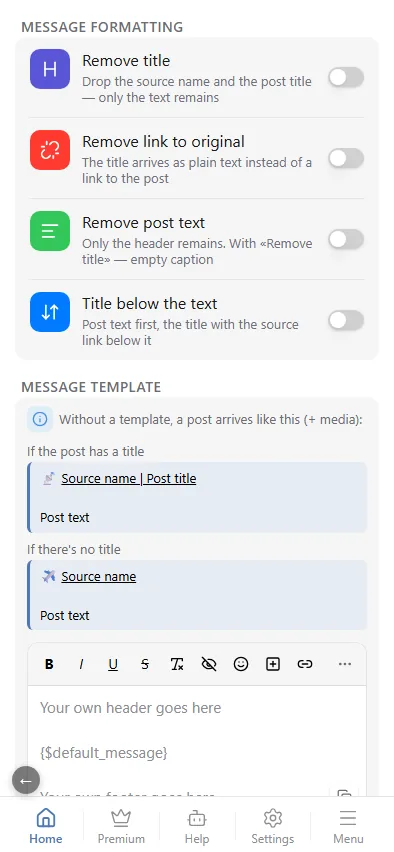
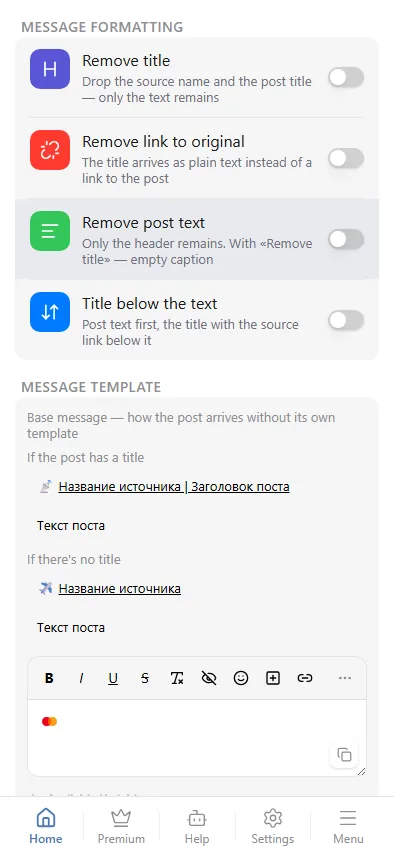
- the basic post-shape toggles (drop the title, the link, the text, or swap them) — Message template;
- per-publication options (spoiler, protection, auto-delete) — Your own posts.